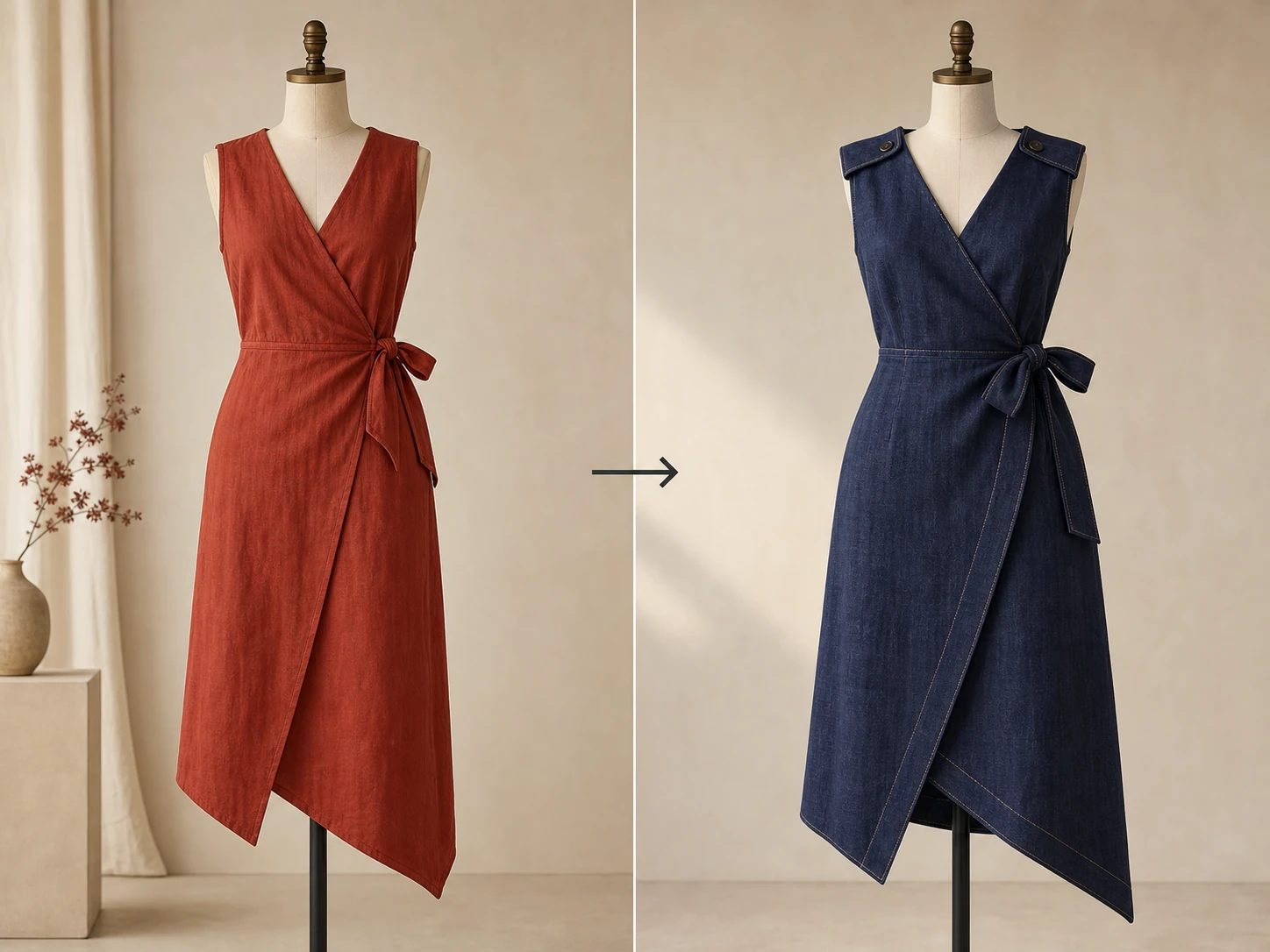
Fashion redesign direction
Design & sampling · 4:5
Home
Write a prompt, choose a garment template, or add reference images to generate product visuals, redesign directions, three-view sheets, and technical line-art references.
Add references
Function templates
Choose a task to open the general generator with an editable prompt and recommended canvas settings.
Design & sampling · 4:5
Commerce content · 1:1
Commerce content · 4:5
Design & sampling · 4:3
Design & sampling · 4:3
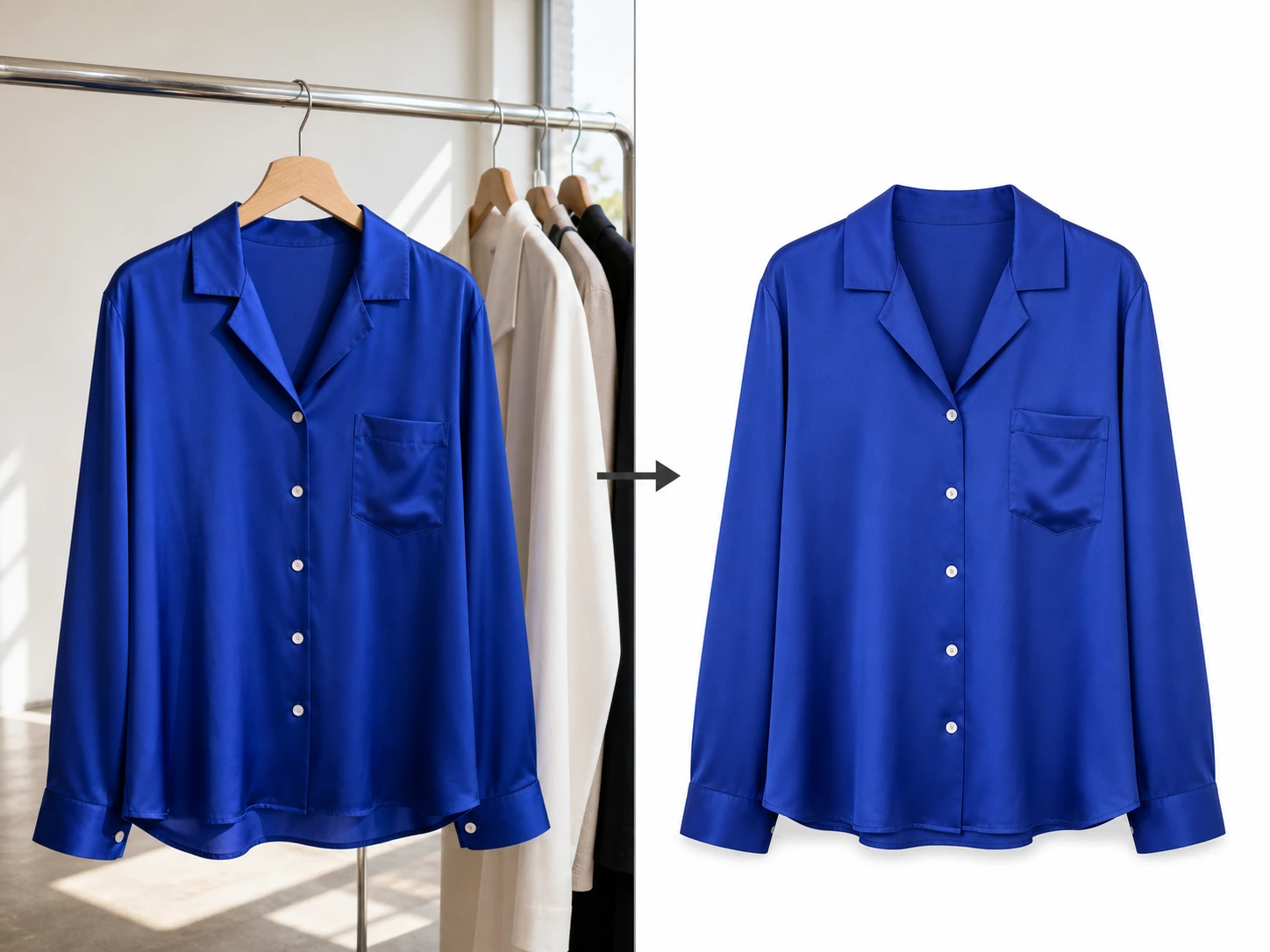
Style transformations
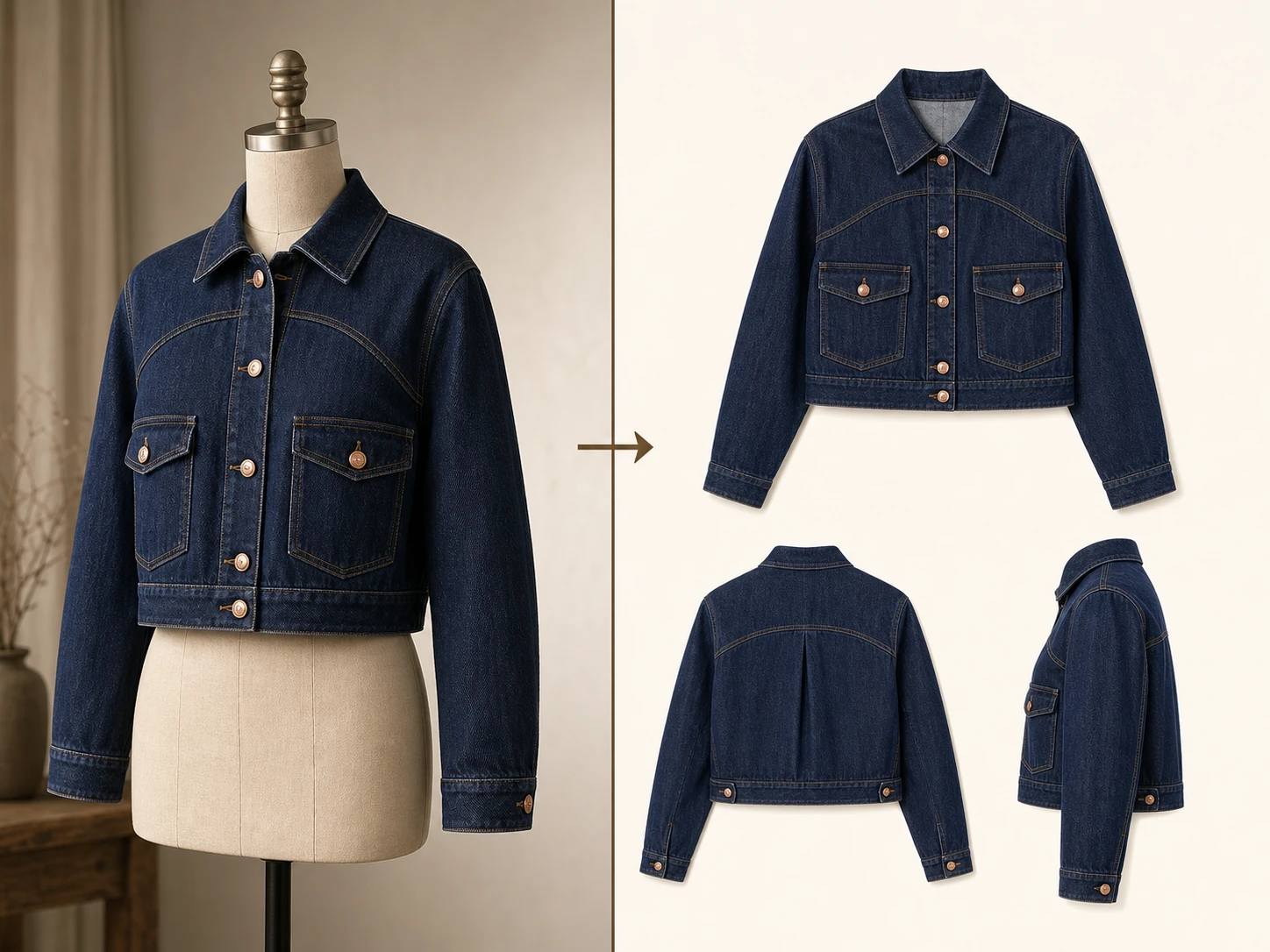
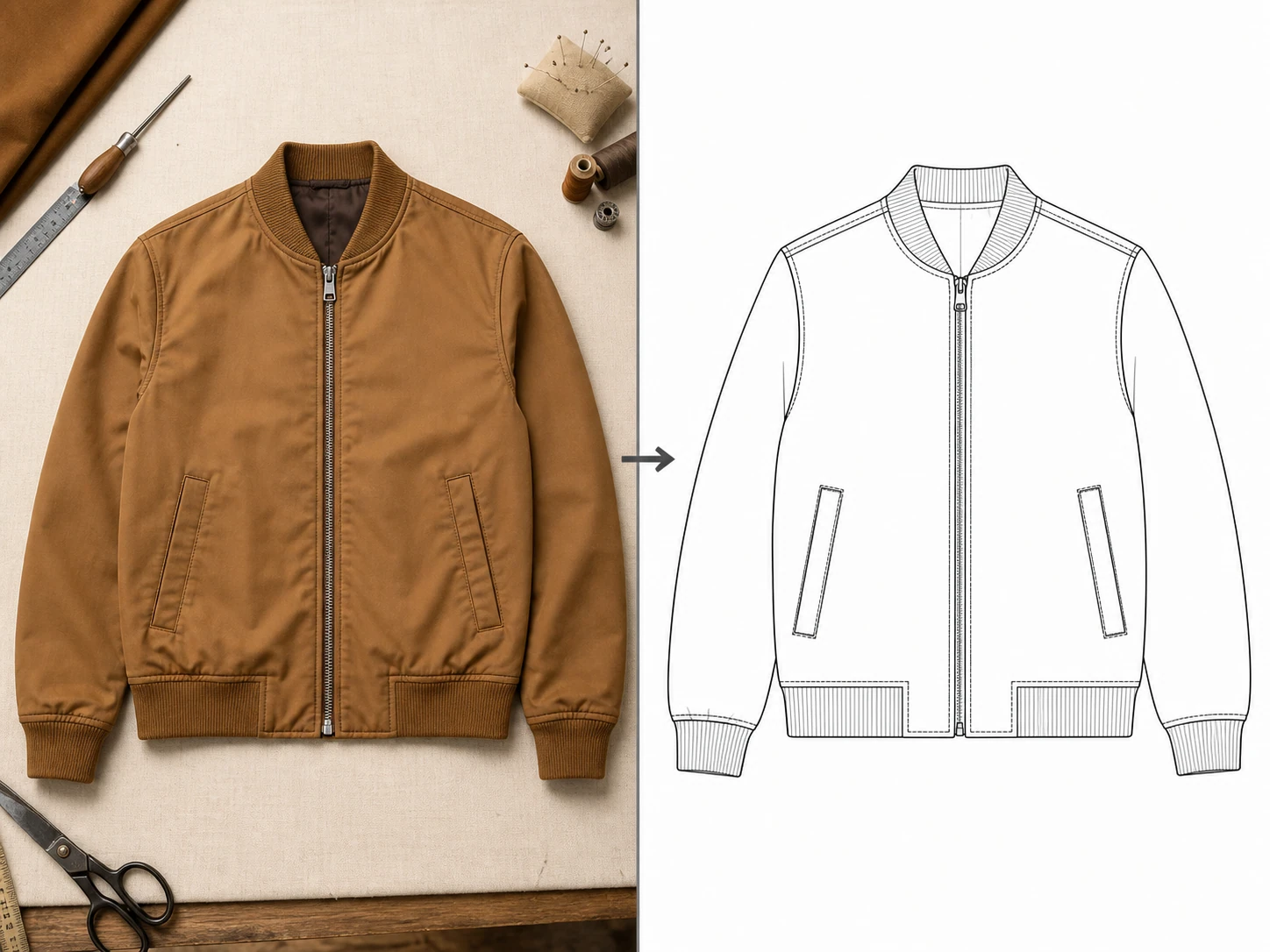
Choose a visual direction, compare input and output from the same reference image, then bring its prompt back to the generator for refinement.
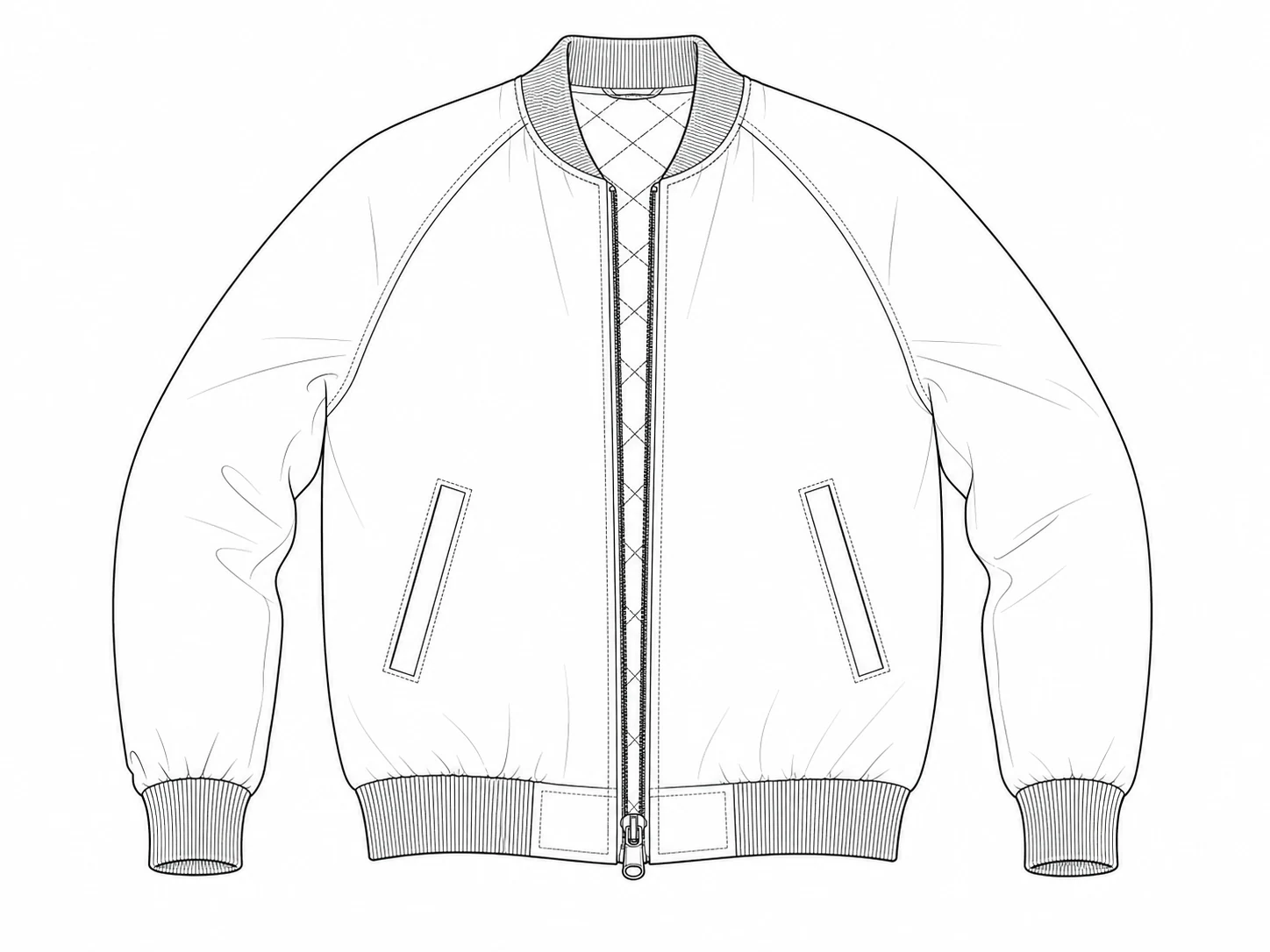
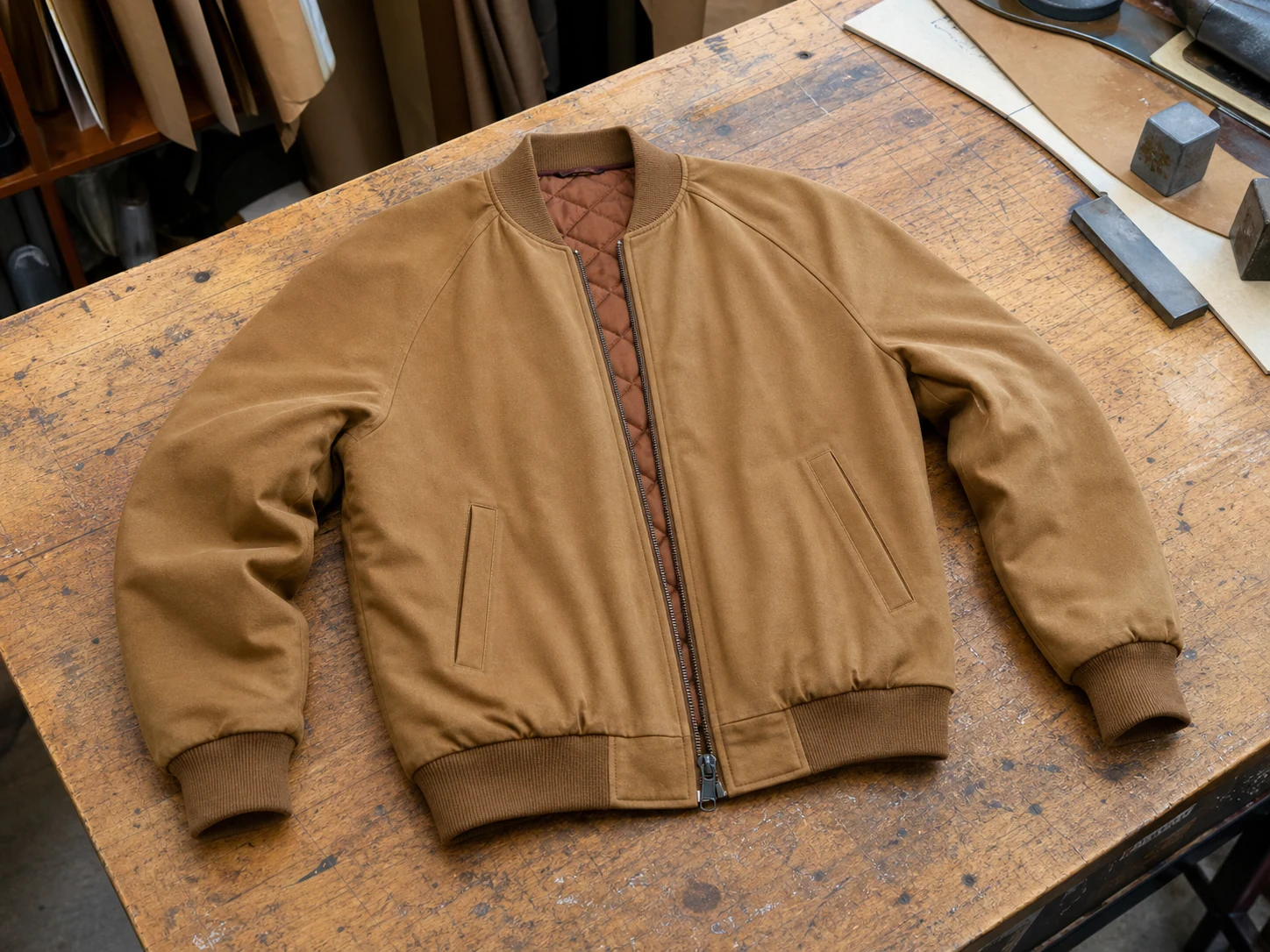
Best for
Create a black-and-white garment technical line drawing from the reference. Use a pure white background, thicker outer contours, medium seam and construction lines, fine topstitch lines, and dashed hidden structure lines. Remove color, fabric texture, shadows, and background distractions while preserving the silhouette, collar, placket, sleeve shape, pockets, panel lines, hem, vents, and visible topstitching. Do not generate a sewing pattern or DXF contour image.
Key capabilities
Move from idea exploration to structure communication with editable controls, visible evidence, and clear boundaries.
Start from text or add multiple garment references so silhouette, color, material, and detail stay closer to the goal.
Built-in three-view, technical line-art, product-image, model-image, and redesign templates reduce repeated prompt work.
Choose the available model, ratio, resolution, and quality, with the actual credit cost shown before generation.
Keep source and output together so designers, pattern makers, factories, and clients can discuss the same visual evidence.
Signed-in users keep tasks, parameters, and results for later review, download, and iteration.
When a remote generation task fails definitively, its credits are refunded under the same console rules.
Advanced workflow
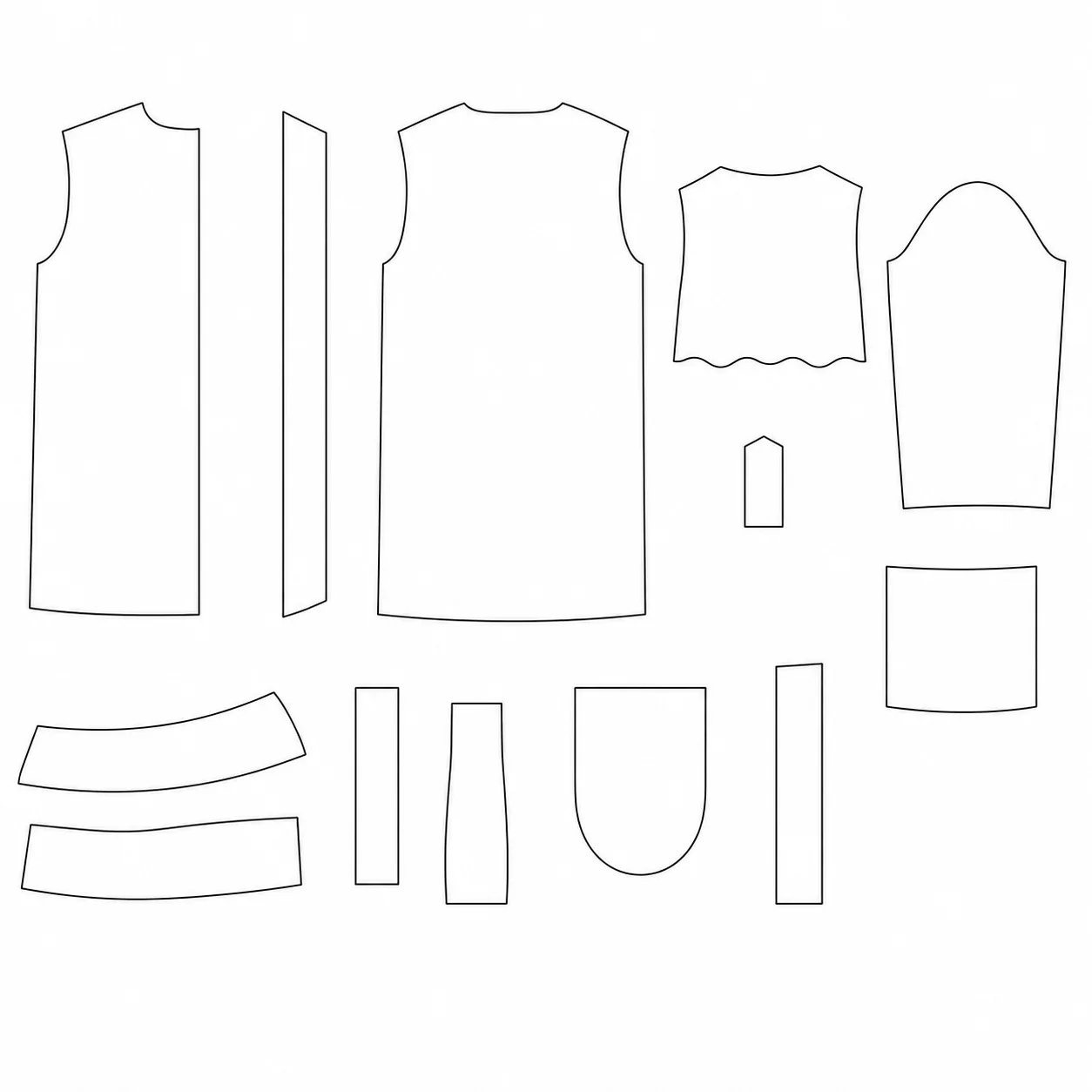
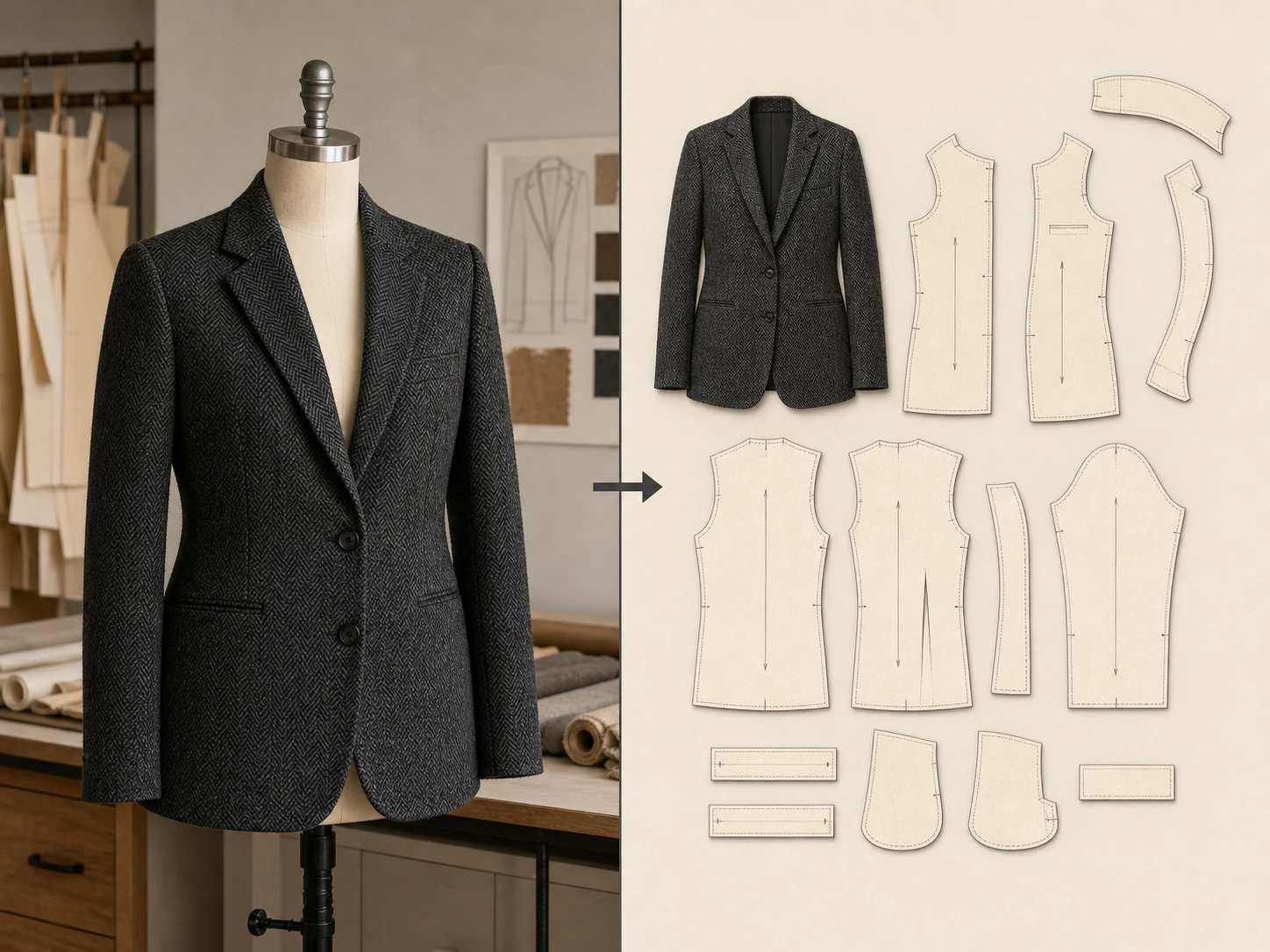
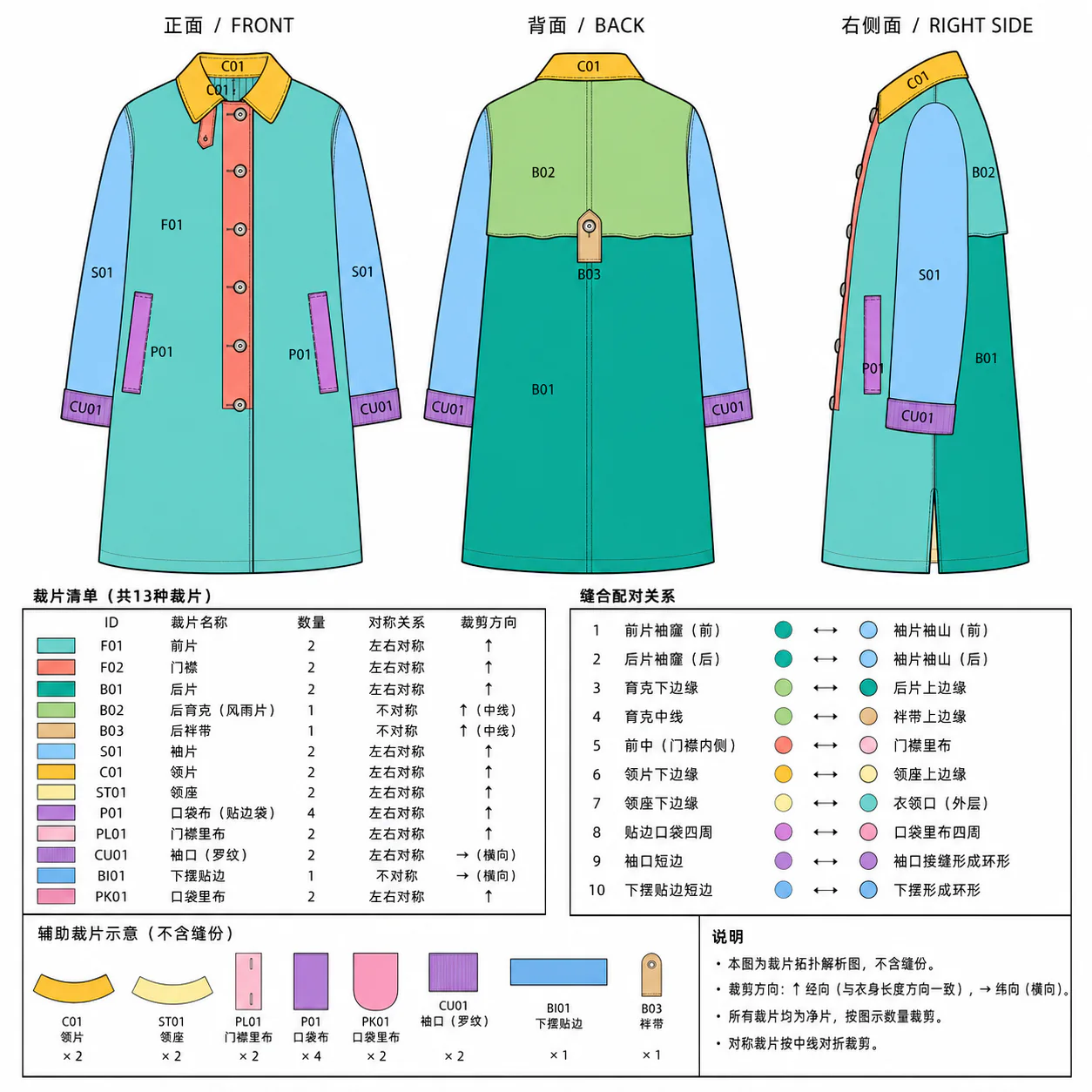
Continue into five reviewable stages when you need garment structure: three-view, line art, panel analysis, flat pattern draft, and pure contour. Confirm, annotate, and revise each stage.
Use a clear garment photo or design reference with visible silhouette and construction details.
Choose the three-view or technical line-art template, then add the structure details you want preserved.
Download the image or open advanced review for staged generation, red-line revision, and pattern exploration.
Input and output boundary
This first version focuses on garment three-view sheets and technical line art. Use professional pattern review before sampling, grading, cutting, or manufacturing.
Typical users
The following scenario personas are written from common workflows to demonstrate where the product fits.
“I align proportions and front/back structure with a three-view first, then hand the confirmed direction to the pattern maker with far fewer clarification loops.”
Lin Ran
Independent fashion designer
“Technical line art quickly organizes plackets, pockets, and panel lines, while I still verify every dimension and construction detail before pattern work.”
Zhou
Pattern maker
“One garment can become a clean product shot, model visual, and several campaign directions before the selection meeting even starts.”
Chen Xi
E-commerce visual lead
“When a client only has one reference, I generate redesign directions to confirm the collar, sleeve, and length before developing the design.”
Mia
Womenswear studio founder
“Comparing the source and result side by side helps suppliers understand which details must remain far better than a text brief alone.”
Gao Yu
Garment product manager
“Templates give me a stable start while prompts, canvas, and references stay editable, so the workflow never feels locked down.”
Su Qing
Freelance visual designer
Scenario personas and illustrative feedback, not verified customer endorsements.
Live plans
Prices, credits, and payment behavior stay in sync with the site's current pricing.
FAQ
Answers about references, outputs, pattern boundaries, and credit rules.
Use line-art cleanup when you need a simpler black-and-white input before vector or DXF conversion.
Open workflowSend clean contour images into the DXF workflow for ET or CAD review.
Open workflowGenerate SVG, EPS, or general DXF from clear graphics, logos, and line drawings.
Open workflow