
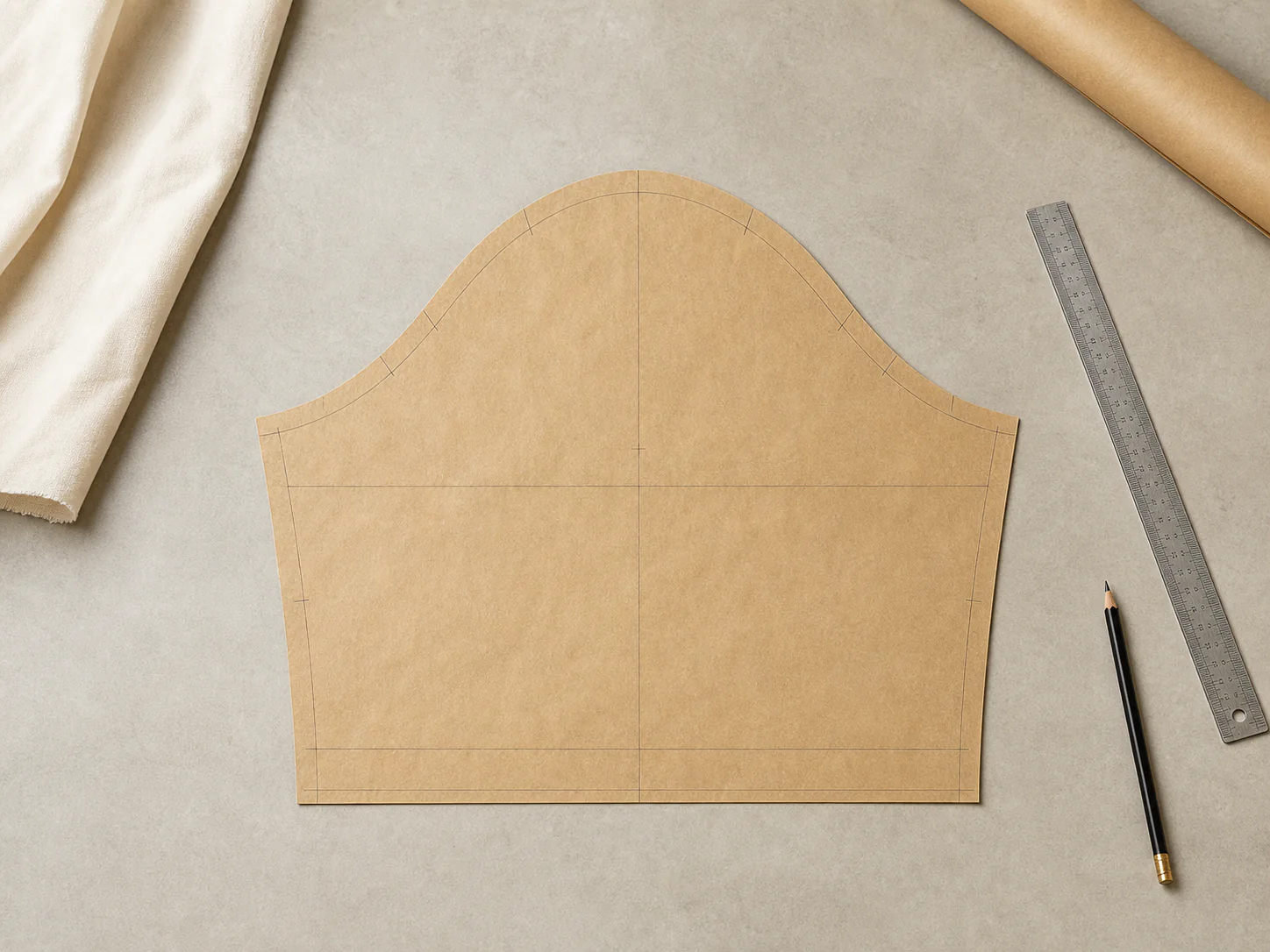
Pattern piece photos
Remove tables, shadows, tools, and text while preserving as much of the complete, continuous outer contour as possible.
Automatically remove tables, shadows, tools, and internal marks while preserving the continuous outer contour for review or DXF conversion.
Use cases
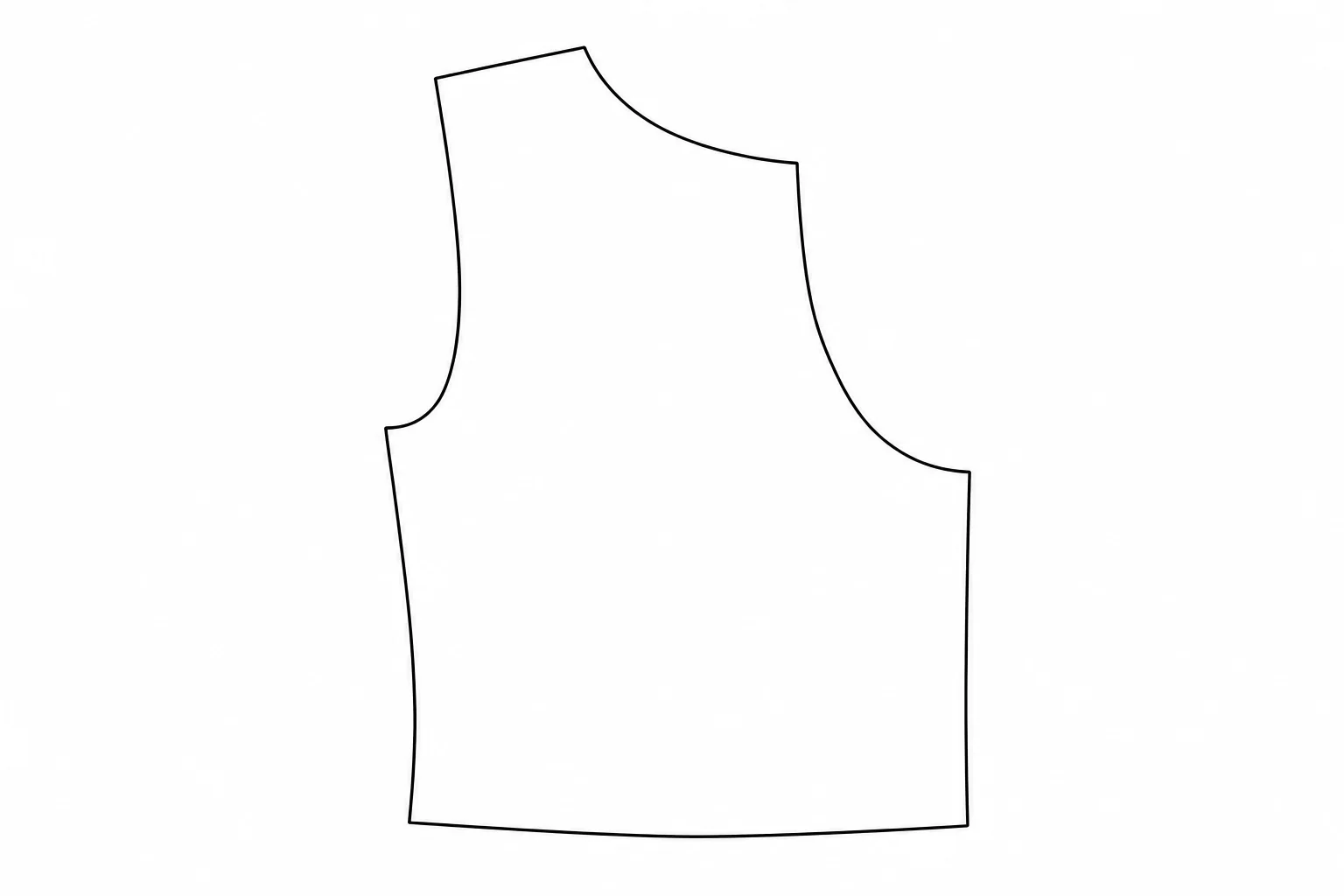
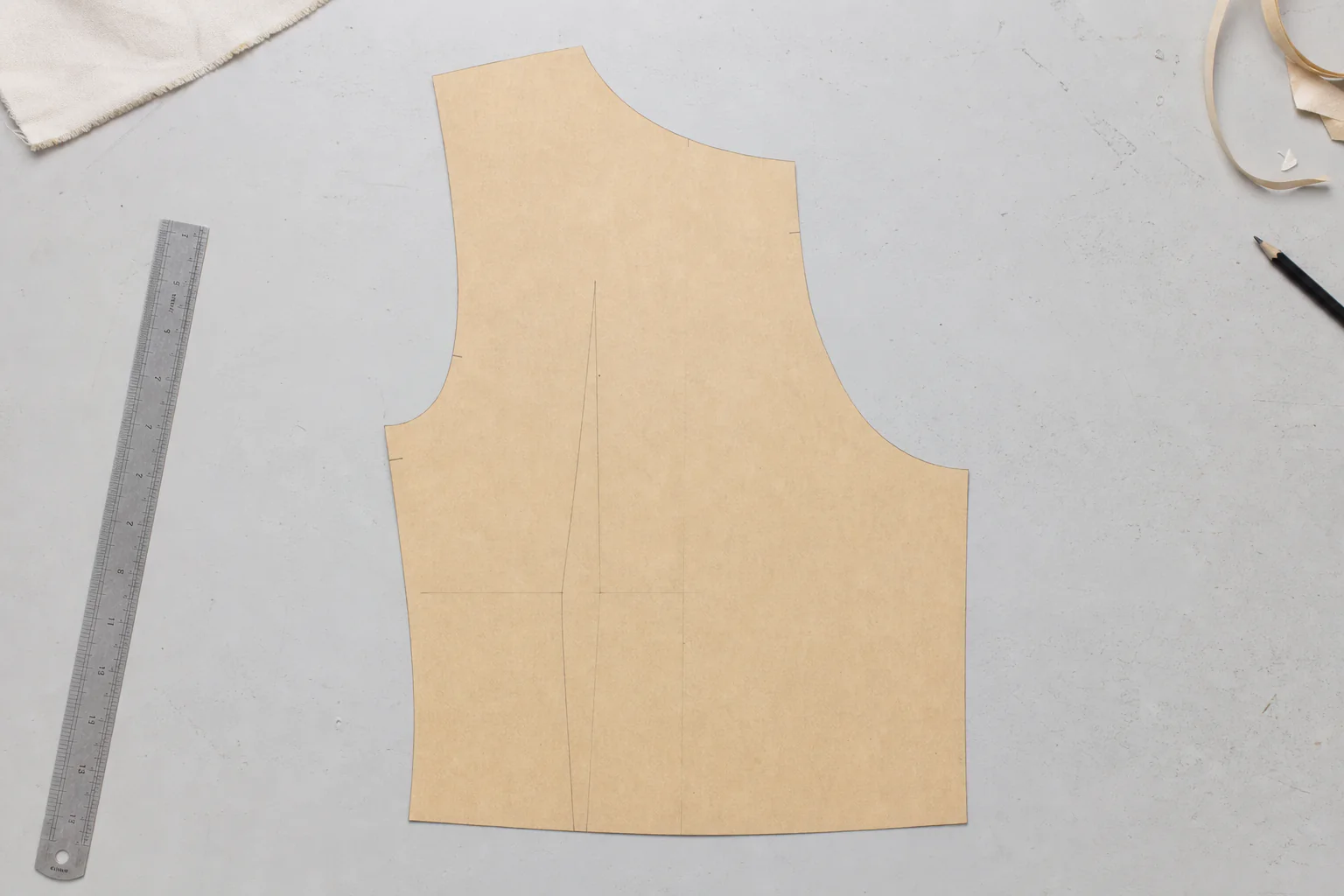
Use this tool to reduce visual clutter in pattern photos and scans, preparing clearer contours for manual review or a later image-to-DXF workflow.
Remove tables, shadows, tools, and text while preserving as much of the complete, continuous outer contour as possible.
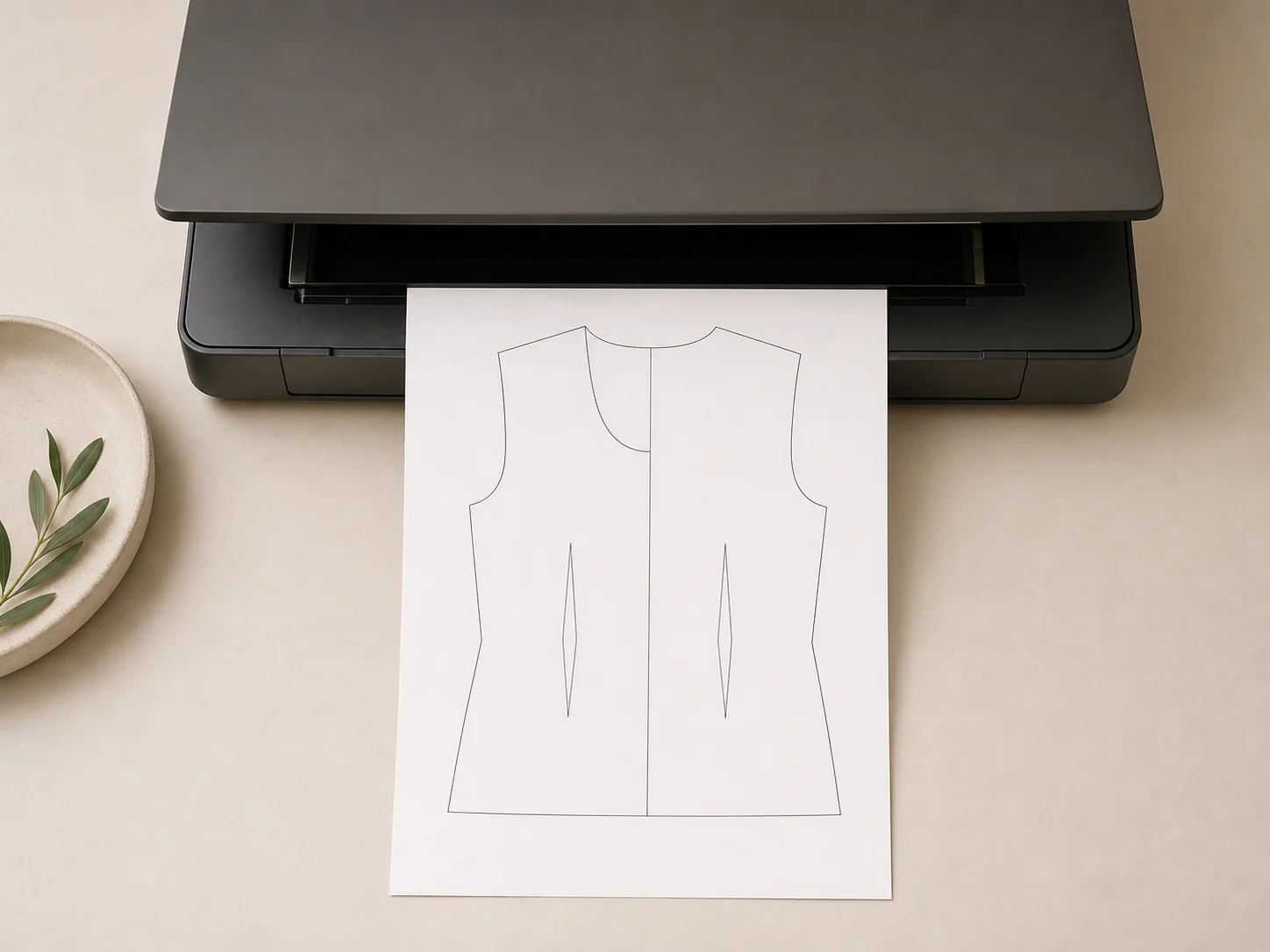
Upload JPG, PNG, WebP, or a scanned PDF. The first PDF page is converted to PNG before processing.
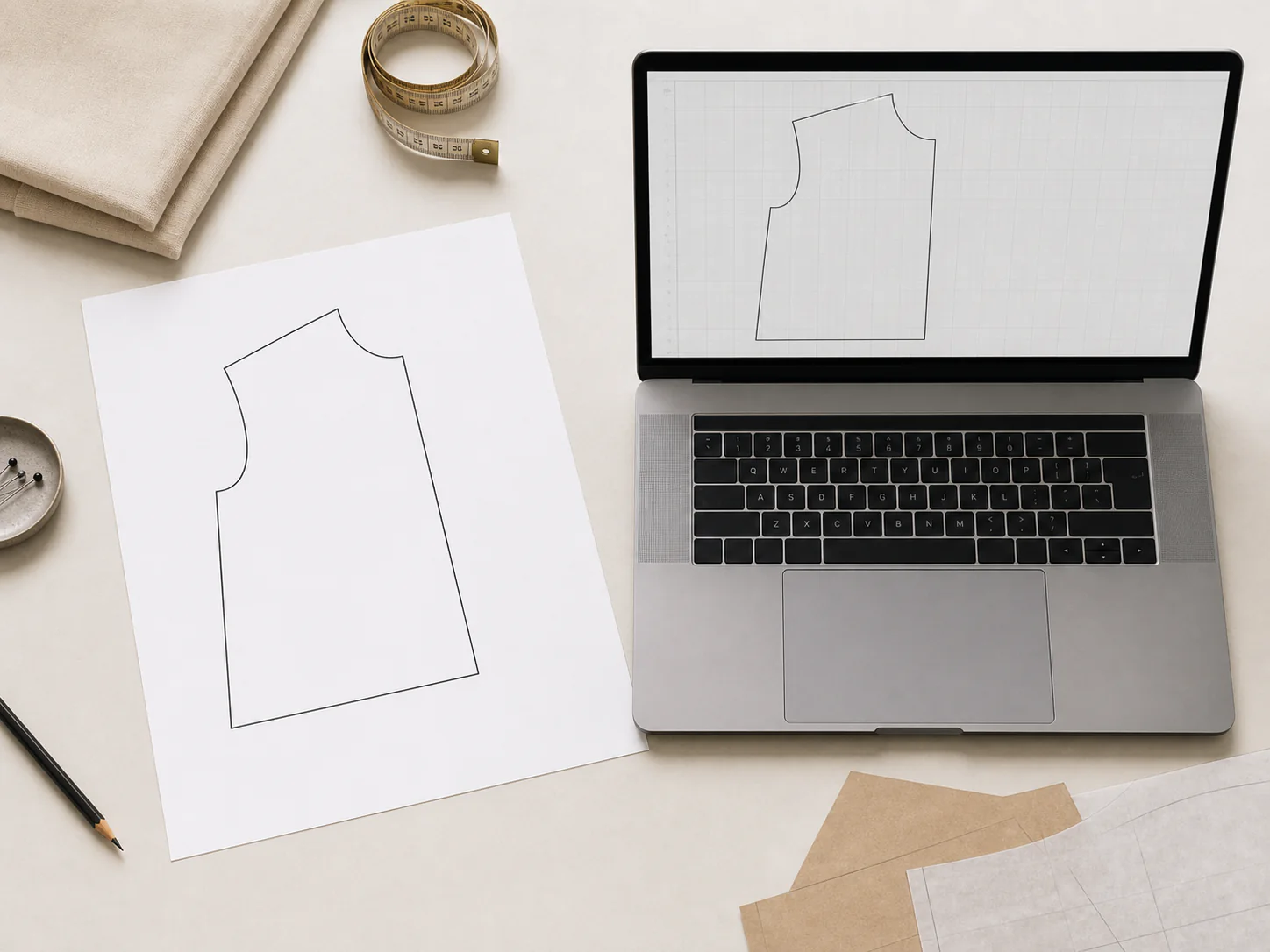
Create a black-on-white PNG and inspect whether its contours are closed before using it for further contour extraction.
Workflow
Flat pieces, unobstructed edges, and even lighting make the result easier to inspect and reuse.
Upload a JPG, PNG, WebP, or single-page PDF up to 20MB, with the full pattern piece visible.
The tool attempts to remove shadows, tools, text, and internal marks, producing a black-contour PNG on white.
Check edges, closed contours, and important shapes before tracing the result or moving to image-to-DXF conversion.
Line art cleanup reduces image clutter. It cannot recover structures hidden in the photo or guarantee real dimensions or production readiness.
FAQ
Upload a clear pattern image and create a DXF draft for further review in ET or CAD.
Use pattern-specific calibration and review steps when a scanned sewing pattern needs a reviewable ET DXF draft.
Review the full process for image preparation, contour extraction, scale calibration, and CAD inspection.