Logos and flat graphics
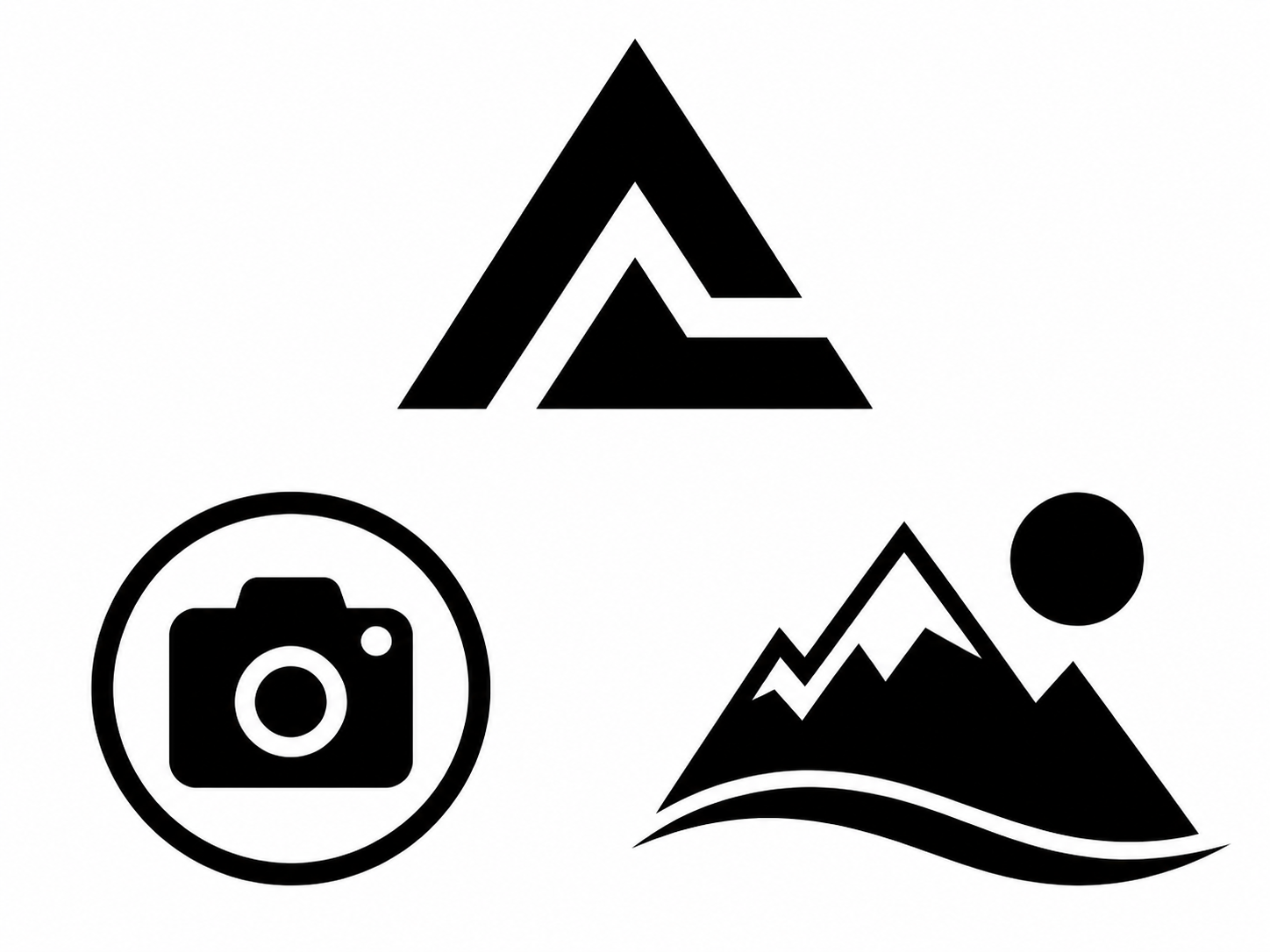
Convert high-contrast logos, icons, and flat artwork into SVG or EPS for editing and scalable output.
Upload a JPG, PNG, or WebP to convert image to vector online. Generate SVG, EPS, or general DXF output for clear logos, line drawings, icons, and high-contrast graphics.
Choose the right vector workflow
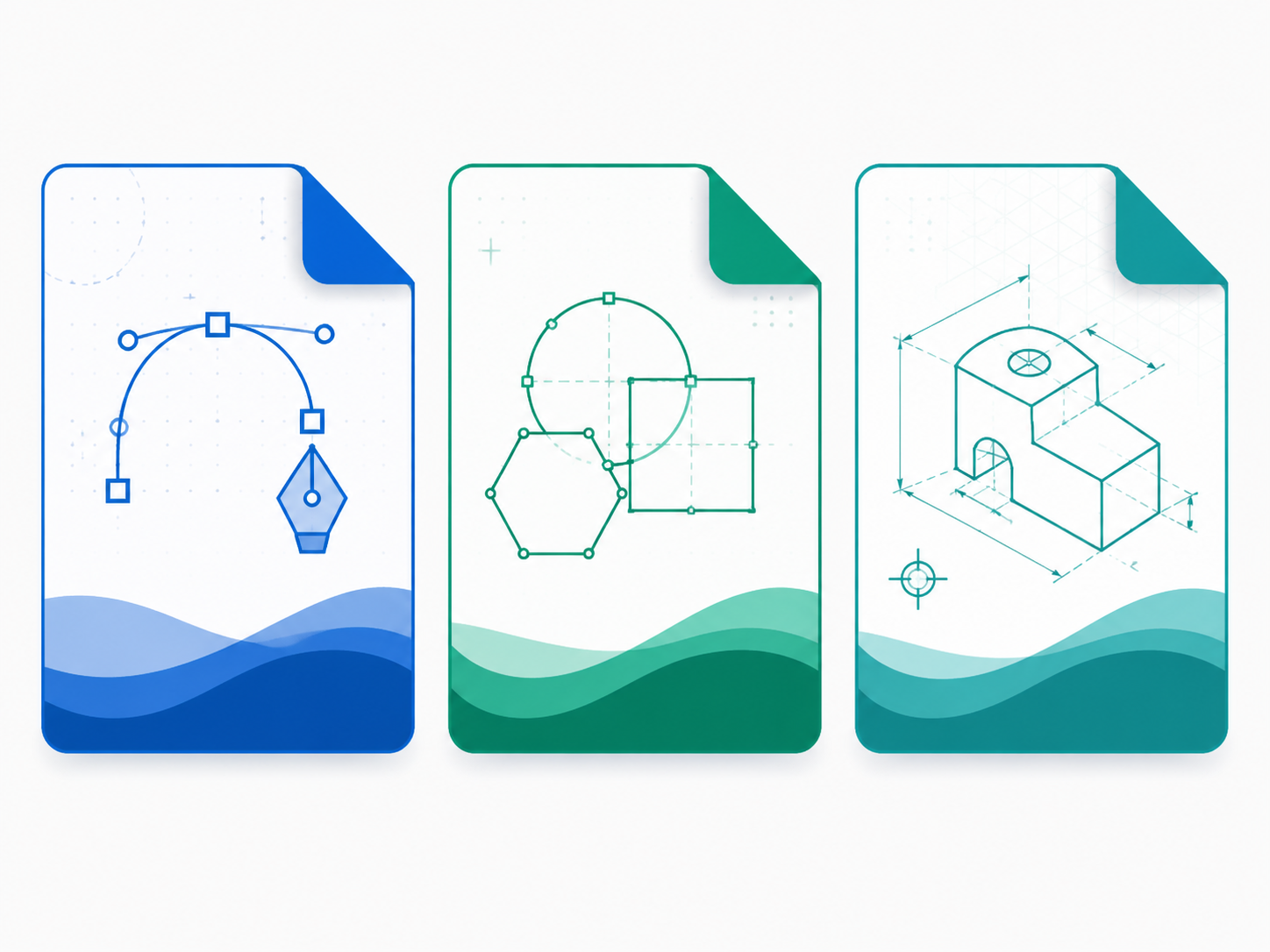
This image-to-vector converter is designed for graphics with clear edges. Choose SVG or EPS for general design work, or general DXF when you need a basic CAD interchange file rather than a calibrated sewing-pattern draft.
Convert high-contrast logos, icons, and flat artwork into SVG or EPS for editing and scalable output.
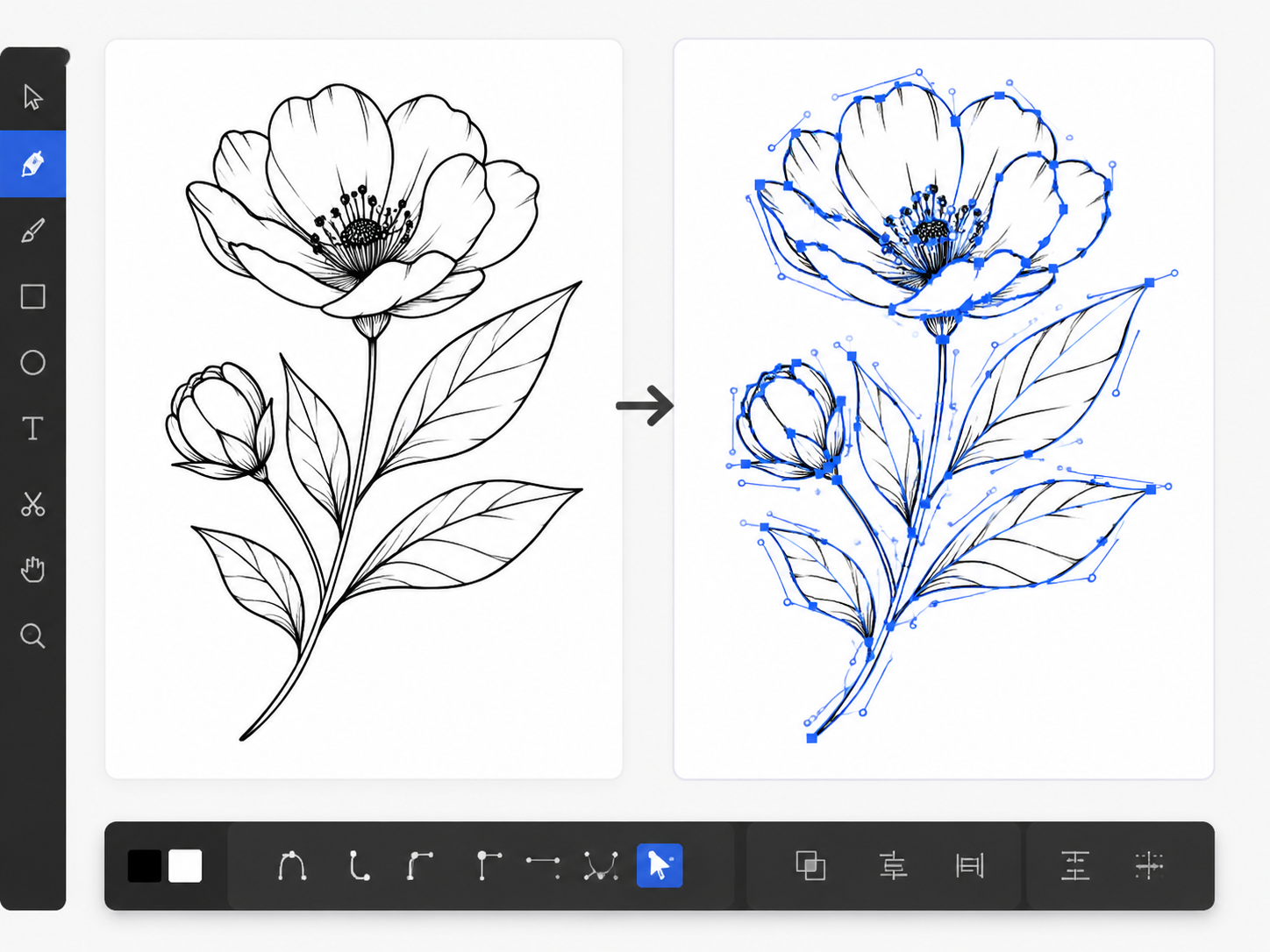
Trace clean black-and-white drawings into vector paths that are easier to resize, inspect, and reuse.
Export a general DXF for simple vector geometry. For sewing-pattern calibration and ET/CAD review, use the dedicated image-to-DXF workflow.
How it works
Start with a clear source image and select the output format that matches the software you plan to use next.
Use JPG, PNG, or WebP up to 10 MB. Sharp edges, solid colors, and minimal background noise produce cleaner paths.
SVG is best for web and editors, EPS for traditional design workflows, and general DXF for basic CAD exchange.
Open the result in your target editor or CAD software and check contours, small details, scale, and layer behavior before use.
Vector tracing converts visible pixels into paths. It cannot recover hidden geometry or guarantee that every target application interprets the file identically.
Image-to-vector FAQ
Generate a reviewable DXF draft with calibration options for ET or CAD workflows.
Remove background noise and prepare a clearer black-and-white source before vector tracing.
Understand how tracing, vectorization, and DXF conversion differ before choosing the next workflow.